


- 1. How Unreal Engine Handles USD
- 2. The Basics
- 1. Enabling the plugins
- 2. Dragging and dropping into the Content Browser
- 3. Importing from the USD Stage Editor
- 3. About Material Setup
- 1. 1. Use UE's standard UsdPreviewMaterial
- 2. 2. Swap the Reference Material in Project Settings
- 3. 3. Point at an existing material with the unrealMaterial attribute
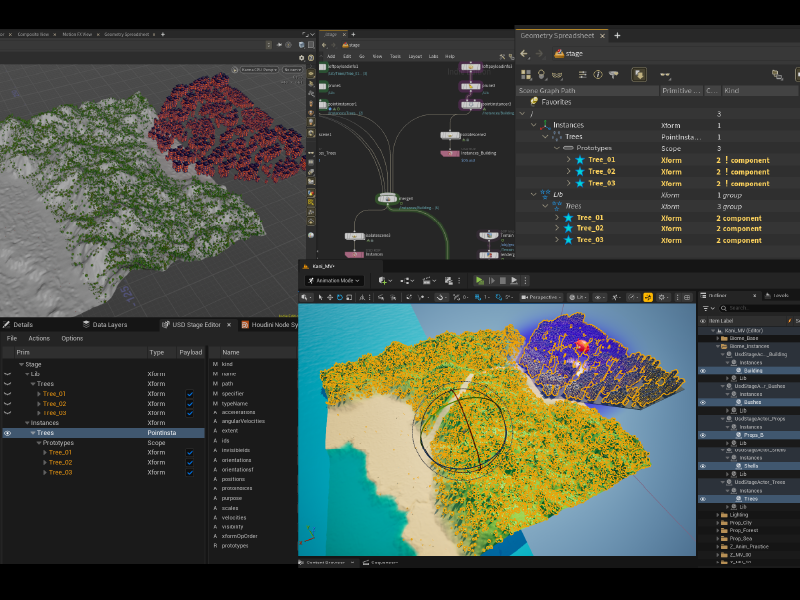
- 4. An Example of Importing an Environment Layout
- 5. In Closing
- Home
- 20260815_01_unreal_usd_importer
[UE5.8] [Houdini] Carrying Assets and Layouts Across with the USD Importer
UnrealEngineUSDHoudiniSolaris
2026-08-15
UnrealEngineUSDHoudiniSolaris
2026-08-15
Share this post


Follow the author
Your follow really keeps me going!
Your follow really keeps me going!


Related Posts
[UE5.8] [Houdini] I Devoted My Summer Vacation to a Crab - Making a 3D MV with AI Generation, UE and Houdini
2026-08-23
[UE5.8] Learning Control Rig with a Simple Crab
2026-08-14
[Houdini] Mardini 2026 Retrospective: A Rundown of My Submissions
2026-04-19
[Houdini21.0] Comic-Style Rendering and Speech Bubbles with Copernicus
2026-04-13
[Houdini] Growing Plants with Natsura: From Tree Creation to UE Integration
2026-02-23
[Houdini 21.0] Displaying Heightfield Visualize Layers with WeightBlend (Order-Independent)
2026-01-12
[Houdini 21.0] Creating a 3D-Building-Cluster-Style Blog Header Image
2026-01-10
[Houdini 21.0] A Thorough Introduction to Solaris: A Basic Workflow with USD Structure in Mind
2025-12-31