


- 1. mise Cheat Sheet
- 2. Overview of mise
- 1. Centrally Manage Multiple Tools
- 2. Comparison with Other Tools
- 3. Advantages and Disadvantages of mise
- 3. Installation
- 1. On Windows
- 1. In Command Prompt
- 2. On Mac
- 3. Check That Your Environment Is Working
- 4. Using Version Management
- 1. Find Installable Versions
- 2. Set a Personal Default Version
- 3. Set a Version Per Project
- 4. Check Configuration and Troubleshoot
- 5. Features Beyond Version Management
- 1. Share Environment Variables
- 2. Task Runner
- 3. Hooks and Trusting Configuration Files
- 6. In Closing
- Home
- 20260920_01_mise_jdx
[mise] How to Install and Use mise to Manage Multiple Development Tools [Cheat Sheet Included]
Development EnvironmentNode.js
2026-09-20
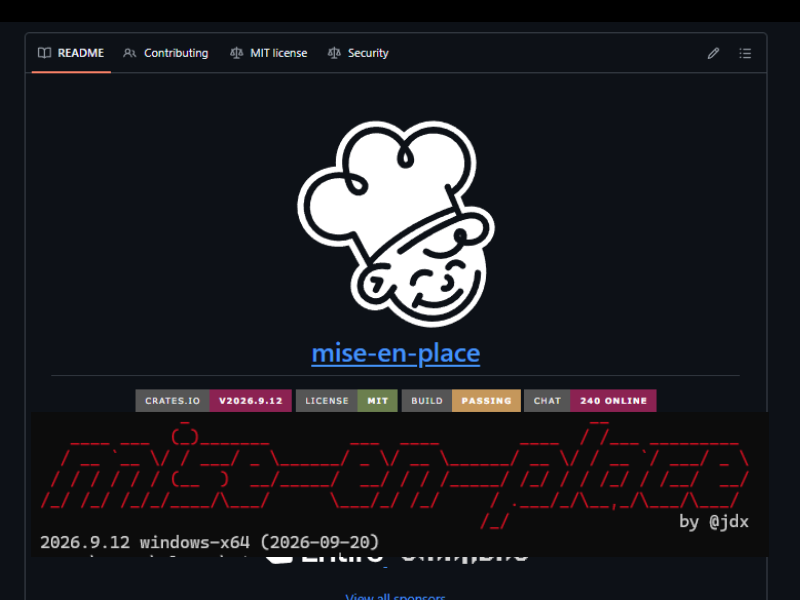
Development EnvironmentNode.js
2026-09-20
Share this post


Follow the author
Your follow really keeps me going!
Your follow really keeps me going!


Related Posts
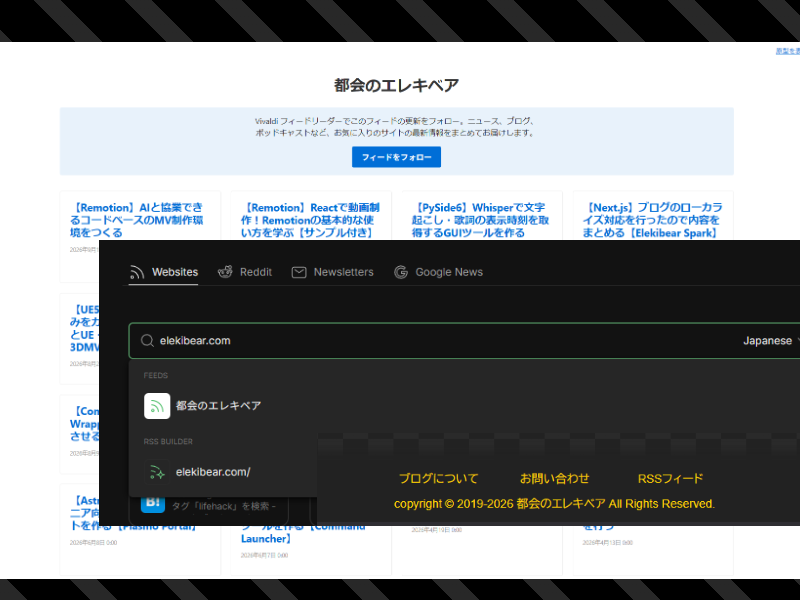
[Next.js] Adding a Generated RSS Feed to a Statically Exported Blog
2026-09-13
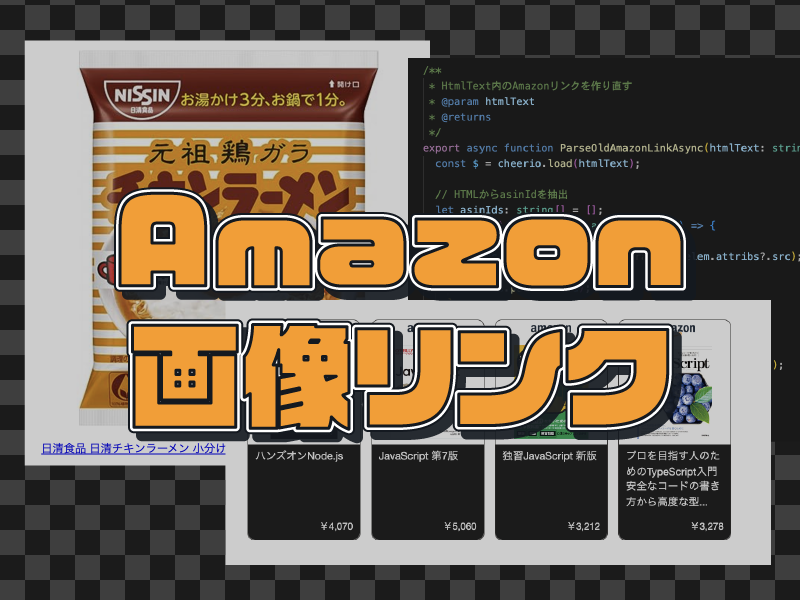
[Node.js] Migrating Amazon Associates Link Retrieval from PA-API to the Creators API
2026-07-20
[Node.js] Reviving Discontinued Amazon Associates Image Links via the Amazon Product Advertising API
2024-01-08
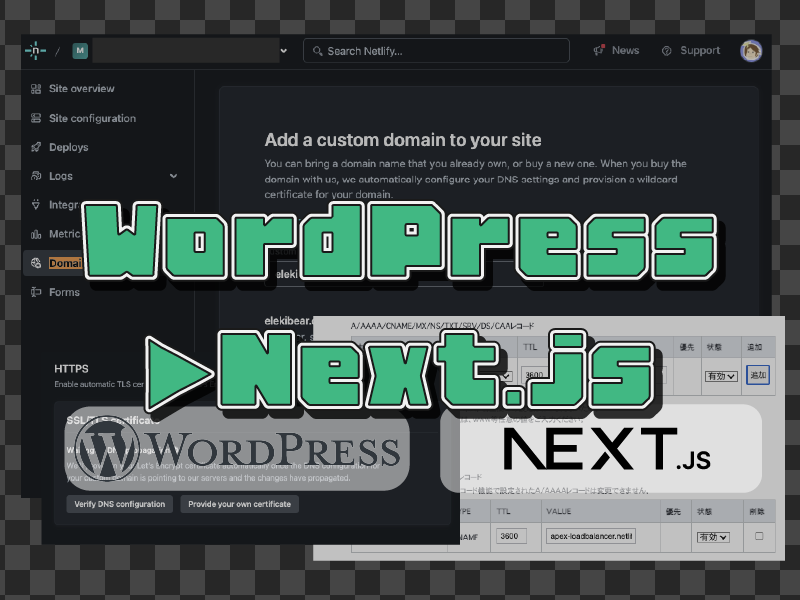
[Next.js] Part 4: Migrating a WordPress Blog to Next.js 〜Server Migration, SEO, and Ad Setup〜
2023-12-31
[Next.js] Part 3: Migrating a WordPress Blog to Next.js 〜Building the Markdown Writing Environment〜
2023-12-31
[Next.js] Part 2: Migrating a WordPress Blog to Next.js 〜Migrating and Displaying WordPress Data〜
2023-12-31
[Next.js] Part 1: Migrating a WordPress Blog to Next.js 〜Overall Design & Environment Setup Edition〜
2023-12-31