


- 1. What Is Three.js?
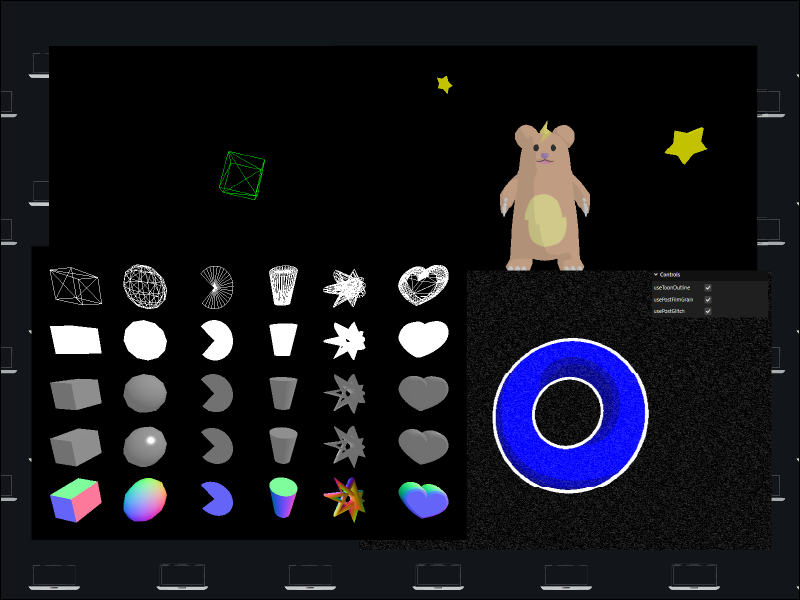
- 2. Basic Feature Samples
- 1. Sample 1: Displaying a Cube with a Minimal Setup
- 2. Sample 2: Making It Easier to Manage with Class-Based Design
- 3. Sample 3: Combining Geometry and Material
- 4. Sample 4: Loading 3D Models and Textures
- 5. Sample 5: Adding Screen Effects with Post-Processing
- 3. In Closing
- Home
- 20260215_01_three_basic
[Three.js] Three.js Basics - From Scene Setup to Model Loading and Post-Processing
JavaScriptGraphicsThree.jsWebGLShader
2026-02-15
JavaScriptGraphicsThree.jsWebGLShader
2026-02-15
Share this post


Follow the author
Your follow really keeps me going!
Your follow really keeps me going!


Related Posts
[Node.js] Migrating Amazon Associates Link Retrieval from PA-API to the Creators API
2026-07-20
[Astro × Three.js] Building an Engineer Portfolio Site [Plasmo Portal]
2026-06-08
[Three.js] Implementing a Toon + Backface Outline Shader with a Custom Shader
2026-02-15
[Astro] How to Use Astro and a Sample Combining Multiple UI Frameworks (React, Vue, Svelte)
2026-02-01
[Houdini 21.0] Creating a 3D-Building-Cluster-Style Blog Header Image
2026-01-10
[Houdini 21.0] A Thorough Introduction to Solaris: A Basic Workflow with USD Structure in Mind
2025-12-31
[VSCode] Building an Extension That Resizes and Saves Image Files via Drag & Drop
2025-11-22
[Game Math] Part 10: Learning Game Math with p5.js (+α) — Complex Numbers and Fractals
2025-11-02