


- 1. Development Background
- 2. How to Develop a VSCode Extension
- 1. Creating the Extension Template
- 2. Checking the Default Implementation
- 3. Debugging
- 4. Packaging
- 3. Implementing the Image Resize/Save Feature
- 1. Feature Overview
- 2. Image Helper Class Setup
- 3. Hooking into VSCode Events
- 1. Drag & Drop Detection
- 2. Getting Tool Settings
- 3. Getting Image Info & Showing the Width Input Prompt
- 4. Image Resize & Save Processing
- 4. In Closing
- Home
- 20251122_01_vscode_image_resizer
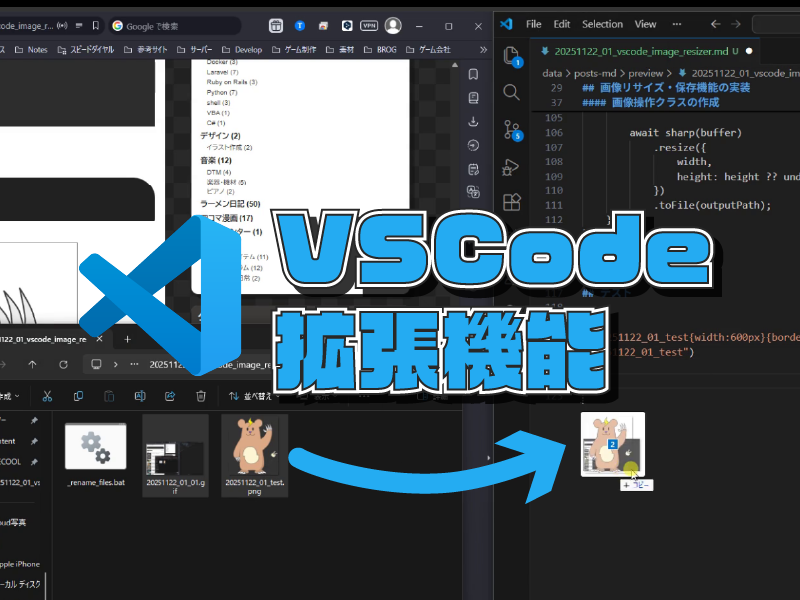
[VSCode] Building an Extension That Resizes and Saves Image Files via Drag & Drop
Tool DevJavaScriptVSCodeVSCode ExtensionTypeScript
2025-11-22
Tool DevJavaScriptVSCodeVSCode ExtensionTypeScript
2025-11-22
Share this post


Follow the author
Your follow really keeps me going!
Your follow really keeps me going!


Related Posts
[PySide6] Building a GUI Tool That Handles Multiple Local TTS Models [TTS Toolkit]
2026-09-23
[Remotion] Building a Code-Based Music Video Studio That Works with AI
2026-09-12
[Remotion] Making Videos with React! Learning the Basics of Remotion [With Samples]
2026-09-08
[PySide6] Building a GUI Tool to Transcribe Audio and Get Lyric Timestamps with Whisper [Whisper Toolkit]
2026-09-07

[Next.js] Localizing My Blog: A Summary of the Work [Elekibear Spark]
2026-08-23

[Node.js] Migrating Amazon Associates Link Retrieval from PA-API to the Creators API
2026-07-20

[Astro × Three.js] Building an Engineer Portfolio Site [Plasmo Portal]
2026-06-08
[PySide6] Building a General-Purpose Launcher Tool for Registering and Running Scripts [Command Launcher]
2026-06-07