


- 1. I Wanted to Build a Custom PC
- 2. Choosing the Parts
- 1. How to Choose Parts
- 2. The Final Configuration I Decided On
- 3. Building the PC
- 1. The Overall Build Steps
- 2. Taking Out the Motherboard
- 3. Installing the CPU
- 4. Installing the CPU Cooler
- 5. Installing the Memory and Storage
- 6. Checking the PC Case
- 7. Installing the Power Supply Unit
- 8. Connecting the Cables to the Motherboard
- 9. Installing the GPU
- 10. Verifying the BIOS Boots
- 11. Tidying Up the Cable Routing
- 12. Installing the OS
- 4. Performance Testing
- 5. In Closing
- Home
- 20240212_original_pc
[Hardware] My First Custom PC! Building a Cost-Effective Mid-Range PC with the Ryzen 5700X [Step-by-Step Guide]
HardwareCustom PCRyzenRADEON
2024-02-12
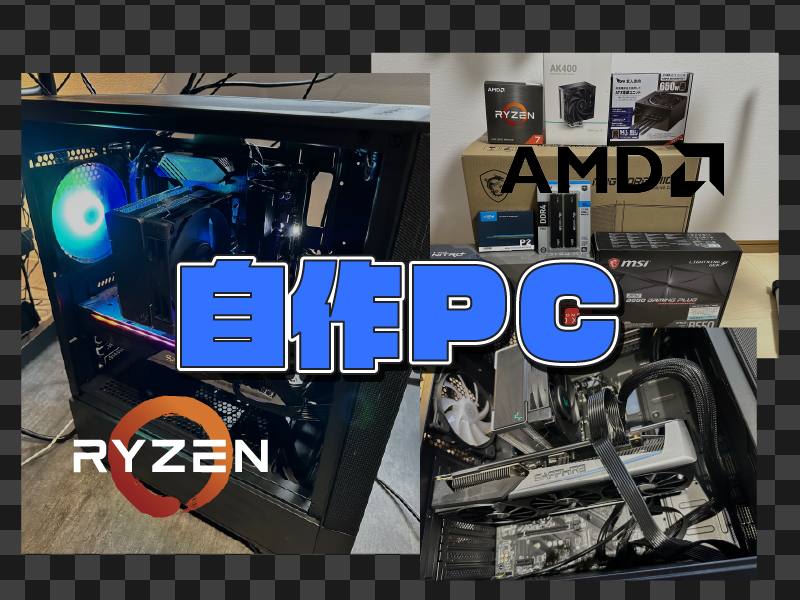
HardwareCustom PCRyzenRADEON
2024-02-12
Share this post


Follow the author
Your follow really keeps me going!
Your follow really keeps me going!


Related Posts
[Recommended Item] Trying a Sticker to Remove the Key Markings and Prevent Shine on My MacBookPro Keyboard
2025-12-14
[Silencing] Trying to Silence a Mechanical Keyboard, the Epomaker SK64S
2024-01-08